
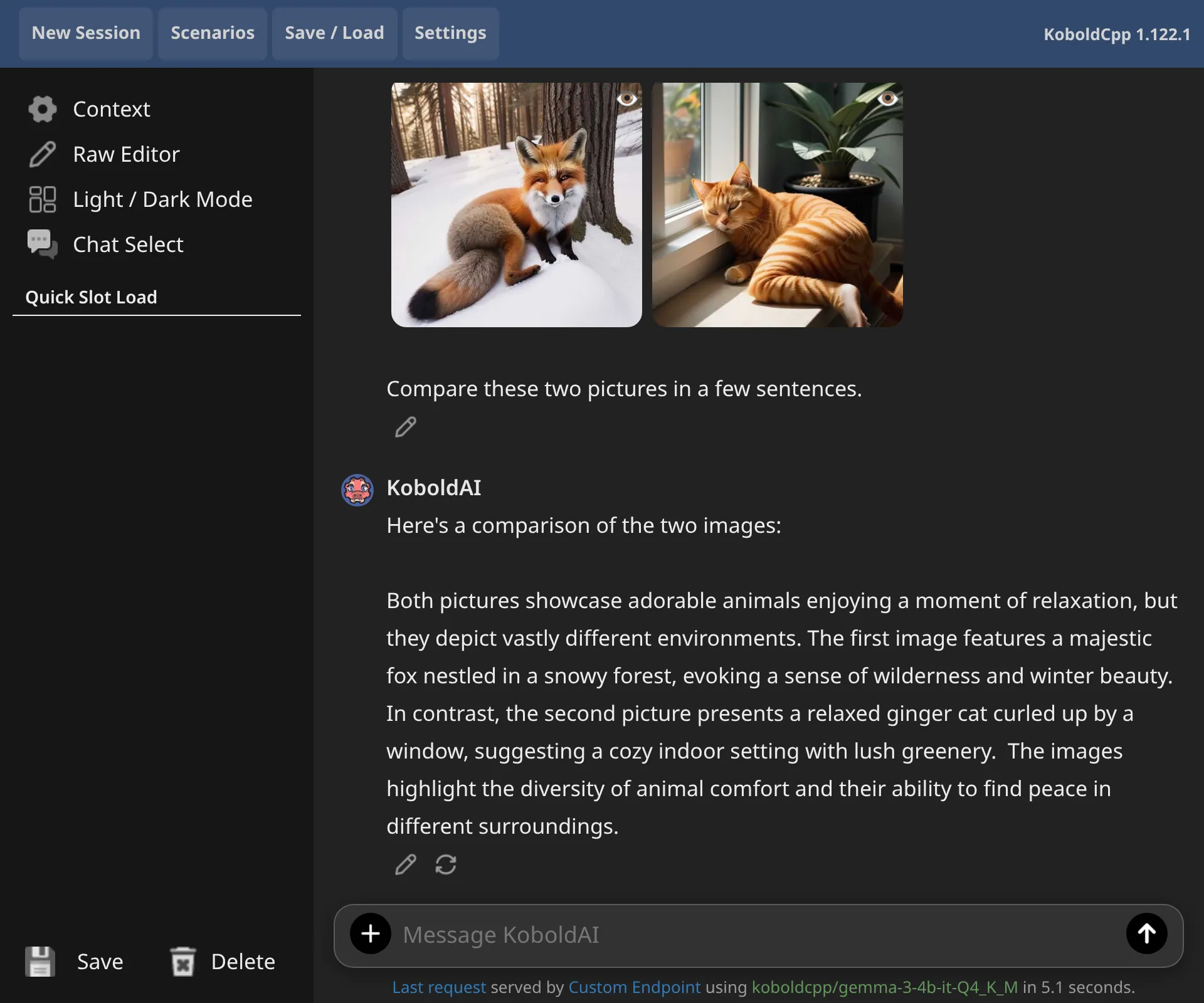
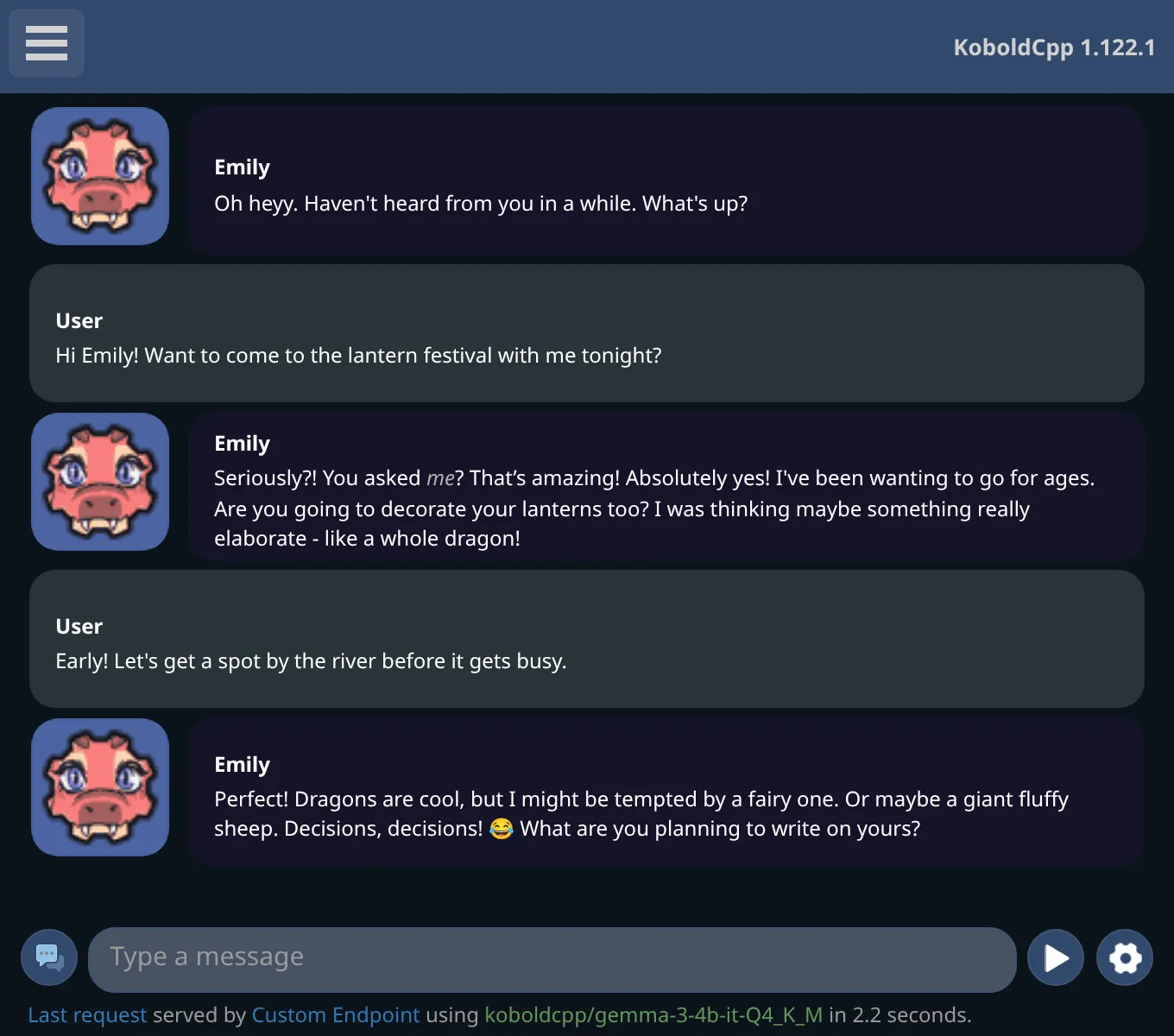
Start in three steps
Download KoboldCpp
One file from the official GitHub releases. There is no installer.
Choose a model
Pick a ready-made template in the launcher, or download compatible GGUF model files.
Launch and chat
Click Launch. KoboldAI Lite opens in your browser, ready to chat.
New to this? The beginner guide shows every click, with screenshots.
What you can do
KoboldCpp supports hundreds of GGUF AI models. Everything runs locally on your computer, with an NVIDIA, AMD, Intel or Apple Silicon graphics chip, or on the CPU alone.
Chat and write
Ask the AI questions, roleplay chat, write stories and generate text adventures. Supports Tavern character card imports.
Images
Make and edit pictures with Stable Diffusion, Flux, Qwen Image and other AI image generation models.
Speech and music
Talk instead of typing, hear replies read aloud with voice cloning, and create songs and music from scratch.
Connect other apps
SillyTavern and apps made for the OpenAI, Ollama or Anthropic APIs can connect and use KoboldCpp as their AI.